




What To Sell in a Wine Shop in 2026: Top Bottles To Stock
No one wants to be chained to a desk all day — but if you run your liquor store on an old system, that might be the only way to keep your business running smoothly.
Without a way to view your inventory, employee status, transactions, and other important store information from off-site, you open yourself up to missed opportunities and added security or compliance risk.
Modern tech makes it easier to do everything from ordering groceries to checking our doorbells from anywhere, at any time. Running a business remotely isn’t always so simple, though — especially one so tightly regulated as liquor retail.
While many point of sale (POS) systems have remote access built in, a lot of owners aren’t confident using cloud-based features or can’t find the industry-specific tools they need to keep their store safely up and running.
We’re here to help. With years of experience helping liquor store owners modernize and simplify their operations, we know exactly what it takes to run a liquor business remotely. The right remote tools can help give you more time back to relax with your family, work on the road, or network without worrying about how things are going at the store.
Let’s dive in.
Challenges of Managing a Liquor Store Remotely
Most liquor store owners understand the appeal of remote management. It gives you time to network with suppliers and work on marketing strategy off-site. It lets you monitor sales, adjust pricing, and set up discounts and promotions from anywhere. And for owners managing multiple locations, it means controlling everything from a single system.
But remote management only works when the foundations of liquor store management are already solid. If your day-to-day processes for inventory, compliance, and staff management are not running smoothly in person, moving to remote oversight will not fix them — it will just make the gaps harder to spot. Before going remote, it is worth making sure you have the core operational side of managing a liquor store running the way it should.
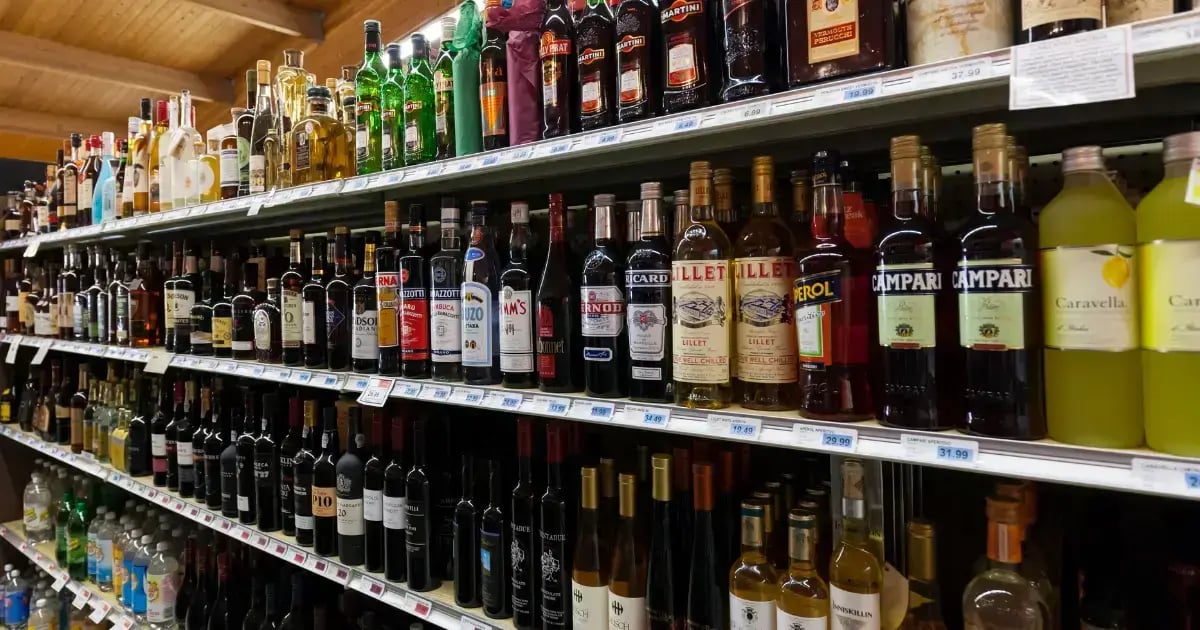
Implemented correctly, cloud-based liquor store systems can reduce your stress. However, the specific challenges of running a liquor store remotely often prevent store owners from taking the leap.
Here are the most common concerns about remote management we hear:
- Theft/shrink risk: With no way to monitor current transactions or security cameras, there’s a higher risk of theft without someone on-site.
- Employee accountability: Managers need ways to make sure employees are clocked in and keep them on task to ensure that important duties are getting done.
- Stock levels and reorders: Without easy methods to monitor stock levels, popular bottles can run out of stock without anyone realizing, hurting sales.
- Sales performance visibility: Store owners need to see how the store performs in real time to better coordinate marketing and staffing.
- Legal compliance: Without a manager on-site, it’s difficult to ensure employees are checking IDs, maintaining accurate inventory records, and keeping the store compliant.
- Training and knowledge: If you’ve spent years building up a liquor business, it’s hard to share that knowledge and adequately train employees when you’re not there in person.
This isn’t a complete list of potential issues, but we bet you’ve thought about a few of these, at least.
The good news? The right cloud-based system can alleviate or solve many of these problems — but even the best system isn’t a replacement for your expertise. Instead, it helps store owners like you get more visibility and reduces manual labor to free up time.
10 Essential Tips & Tools To Run a Liquor Store Remotely
If you’ve made it this far, you’re likely less interested in what could go wrong with moving to the cloud and more in how to actually do it.
We love to see it! At Bottle POS, we’ve spent years developing tools that give liquor store owners more freedom and flexibility by helping them manage key operations online.
Here are 10 essential tips and tools to run your store safely and effectively from anywhere.
1. Implement a Cloud-Based POS System
First things first: You can’t manage your store remotely without a cloud-based POS system. A cloud-based system syncs your store’s information across devices, giving you real-time visibility into and control over:
- Inventory and stock levels
- Daily sales, along with sales and inventory reports
- Employee schedules, timesheets, and access controls
- Vendors and product catalogs
- Discount and pricing edits
- Marketing tools (SMS and customer loyalty)
Running a store remotely doesn’t mean sitting at home and hoping someone calls if something comes up. Having the ability to check in on different aspects of the store in real time from your phone or laptop is an essential first step for remote management.
Put plainly, if you still use a system that only works on-site, or track your stock via spreadsheets, we can’t realistically recommend trying to run your store remotely.
While we’re biased, industry-specific solutions like Bottle POS make implementing remote management even easier. Systems with liquor retail in their DNA include additional compliance, inventory, and security features that many generic systems don’t.
That’s not to say a general retail POS system won’t allow you to run your store off-site — but it does mean you may need to pay for extra integrations or find workarounds for certain tasks (like age verification, case-break inventory, bottle deposits, and tax rate adjustments).
2. Require ID Checks & Connect Transactions to Cameras
Checking customers’ IDs for every sale is a must to prevent underage sales — it’s also easy to forget, especially when things get busy. If you’re in a county or in a state where liquor retailers are regularly (and sometimes secretly) checked for compliance, your livelihood could be at risk.
That said, it’s hard to make sure your staff check IDs consistently when you’re not there in person — or at least it used to be. Modern POS systems require employees to verify ID for all age-restricted items and create a record that a customers’ age was checked for each transaction.
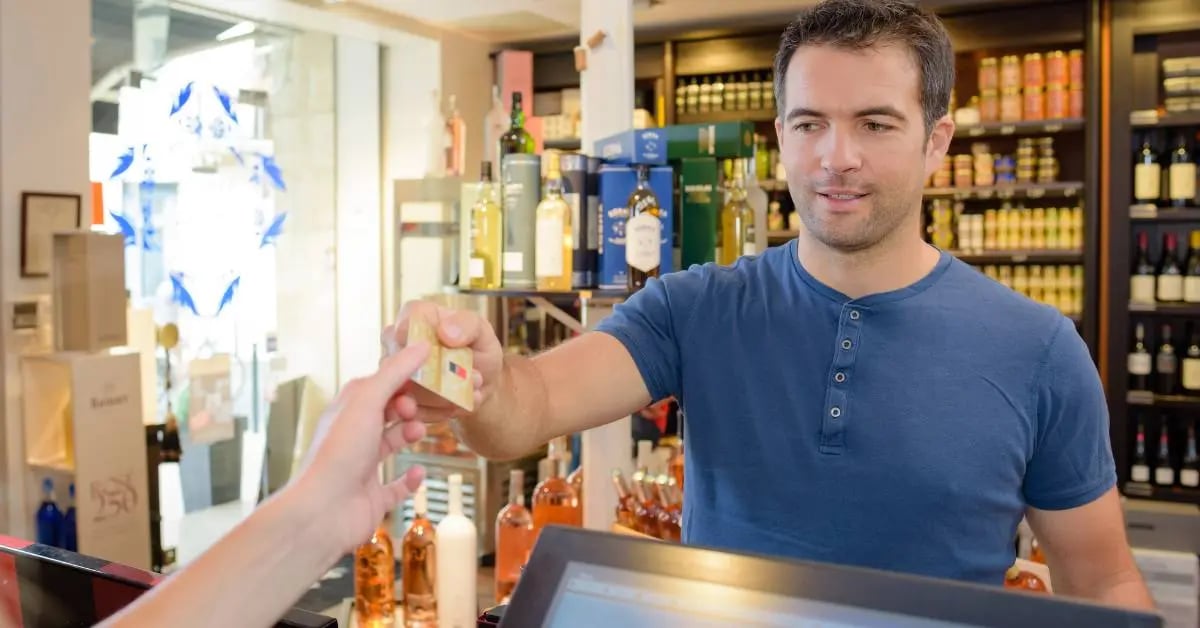
You can get even more peace of mind by integrating with webcams at your register. This lets you check security footage for each transaction if you suspect an ID check was skipped, if there was an incident reported, or if you notice anything unusual in the transaction logs.
Most importantly, the easier it is to check ID, the easier it is for staff to stay compliant. Use an integrated ID scanner so your employees can visually check and then scan the barcode on an ID to verify it in seconds.
Pro tip: A compatible 2D barcode scanner scans both IDs and UPCs.
3. Create & Send Employee Task Lists Remotely
On any given day, many small tasks need to get done at a liquor store, from stocking shelves and updating shelf labels to cleaning display fridges and tidying shelves. When you’re not on-site, holding employees accountable isn’t as easy — but it’s not impossible.
Use your POS system to create a list of tasks, the frequency they’re done (e.g. daily, weekly), and what time of day they should be completed. You can then configure your system to send out task reminders and checklists to employees, either right to their terminal or via SMS.
Employees will need to manually check off the items as they’re completed, creating a paper trail for accountability — and potentially identifying any areas where further training is needed.
You can also message signed-in employees directly through the system for any ad hoc requests or questions you have.
Related Read: Liquor Store Employee Training: 5 Critical Topics To Cover
4. Set Up Employee Access
While it’s important to build a team you trust, you still need to put safeguards in place to prevent fraud, employee theft, and honest mistakes.
Set employee access levels on your system backend so they only have access to the features they actually need to do their job. You can also build in manager escalation automatically (like a pop-up informing employees when they need a manager override) to help resolve issues quickly.
Employee access controls create activity logs, too, so you can see exactly which employee rang up a certain customer, created a purchase order (PO), or last updated inventory.
This key feature keeps your store secure by building safeguards into the system itself, instead of requiring strict in-person oversight.
5. Track & Update Stock Levels in Real Time
If you manage inventory by hand or on an old system, the best way to avoid stockouts is to constantly walk the floor, checking the shelves and stockroom. Unless you can afford to hire someone to walk every aisle constantly, you might end up doing it yourself instead of relaxing at home or planning your store’s next big holiday sale.
The inventory tools on a liquor POS system solve this challenge by tracking inventory in real time. Here’s a rough overview of how it works:
- Using the vendor catalogs on your POS, set up a purchase order with a regional supplier.
- Within 24 hours, the details of the invoice are uploaded and the data shared back to your POS.*
- When the shipment arrives, simply confirm everything is correct, or make adjustments (e.g. if a bottle breaks in transit, or a box is missing), and your stock updates automatically.
- Your remaining stock adjusts as you make sales, process refunds, and use the system normally.
*It’s worth noting that automated invoicing requires using a POS connected to liquor distribution networks.
Thanks to the inventory management system, you can monitor stock levels and even set up purchase orders from anywhere. You can also make adjustments to pricing, tax rates, and other fees.
Added Benefits of a Liquor-Specific POS
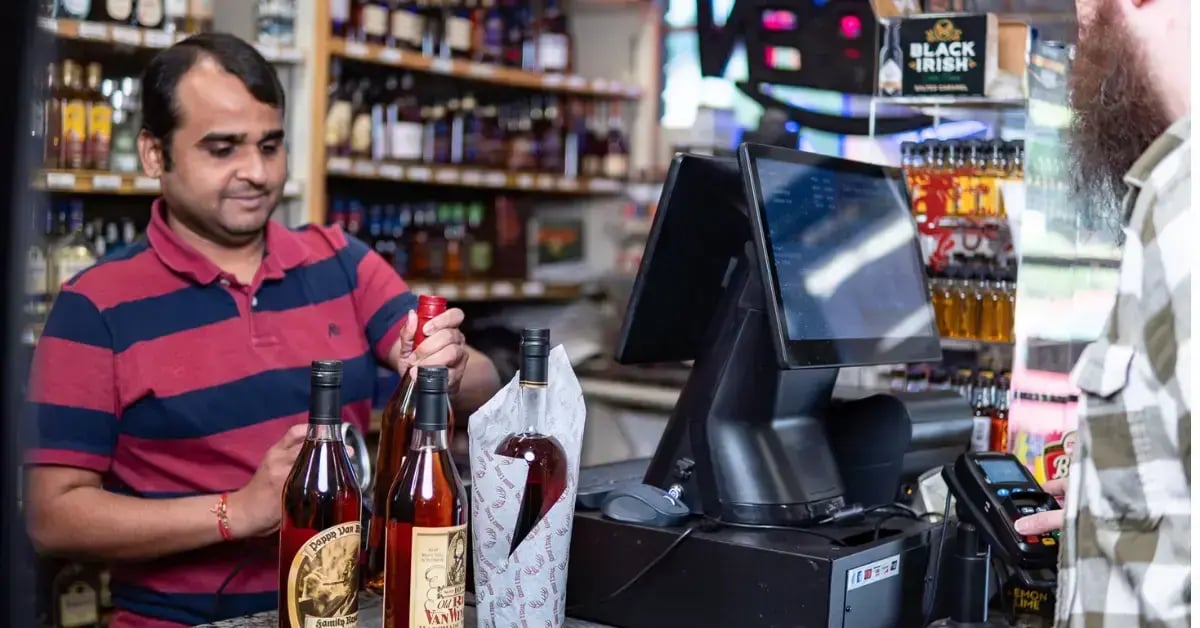
There are a few more systems in a liquor-specific solution like Bottle POS that make inventory tracking even easier:
- Low-stock reports: Set minimum stock amounts for popular bottles and then pull up a report any time to see what’s running low. This helps you set up purchase orders before items run out.
- Built-in UPC database: Pull up product information and recommended pricing based on the product’s barcode, saving you hours of time on manual data entry.
- Auto invoicing and AI-assisted invoicing: Either receive an invoice to your POS system within 24 hours or scan a PDF or paper invoice to update your inventory.
Keeping your shelves well stocked (but not overstocked) with popular bottles is at the core of a healthy liquor business. A cloud-based system lets you keep tabs on stock levels without having to walk the floor or check the system constantly — in other words, less time counting bottles, more time on customer service and strategic planning.
6. Train Employees on Inventory Best Practices
No matter how advanced your liquor store management system is, it won’t replace good employee training. Retaining excellent employees is one of the most effective ways to make your liquor store stand out from the competition — and the right POS system simply makes it easier for them to do their jobs.
The inventory tools mentioned above make updating and tracking your inventory painless, but they’re only useful if used consistently.
Train employees on how to check new shipments and confirm an invoice in your POS system (and what to do if something is broken or missing). This ensures your inventory numbers are accurate from the get-go, and avoids small mistakes adding up over time.
Of course, some manual inventory checks will still be necessary. Use a system that lets employees use their smartphone or mobile scanner to scan UPCs for quicker cycle counts.
Let’s be clear: Managing a store remotely doesn’t mean you can be completely hands-off. Independent liquor stores build their success on expert recommendations, a friendly atmosphere, and an impeccable selection. Modern systems simply give you new ways to share your knowledge — especially if you have multiple stores.
We still recommend taking time every week to educate staff on new product arrivals, upcoming sales, and discounts — but you can also remind staff periodically using messages on your POS system.
Another great way to help your staff make better recommendations is through product notes and custom tags in your inventory management system. For example, you can create tags like:
- Owner recommended
- Japanese-style or Japanese-distilled whiskey
- Great for cocktails
- Locally distilled
This way, when customers ask for recommendations, they’ll have your expertise right at their fingertips!
Related Read: Managing Your Liquor Store Inventory: 7 Tips, Tricks, & Tools
Running creative liquor store promotions, discounts, and marketing is crucial for a liquor store’s success — it keeps you connected with customers and turns slow-moving inventory into a profit. With a cloud-based system, it’s easier than ever to decide what to put on sale and set up discounts for.
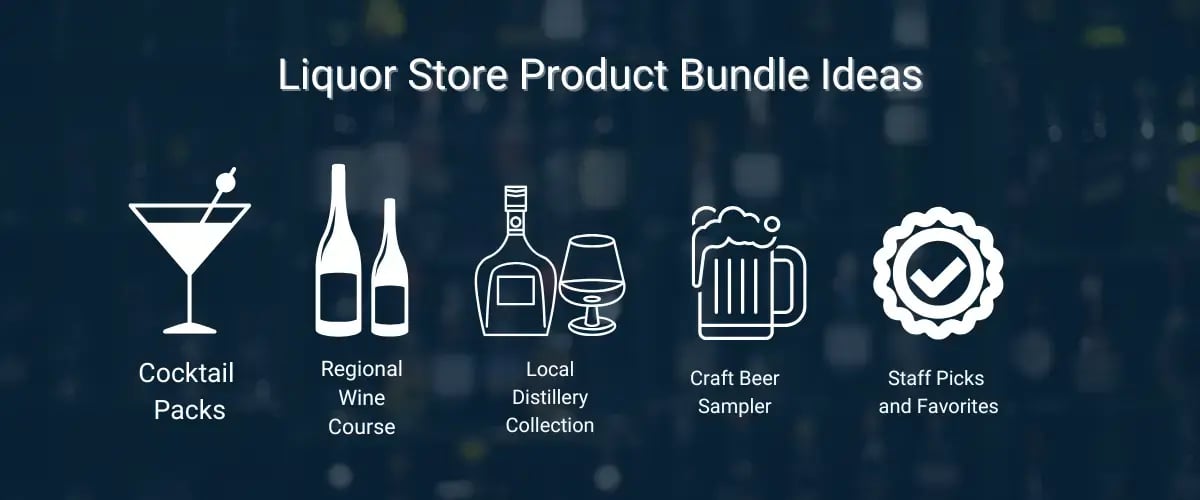
Access your sales and inventory data from your smartphone or laptop to get a quick view on how items are performing, and decide then and there on any discounts, product bundles, or promotions you want to run. You can set up promotional pricing to apply automatically at checkout, so you don’t have to worry about staff inputting it manually.
You can also create a batch of labels and set up a task for staff to print them off from your home office. This helps you spin up discounts and promotions quickly.
From there, it’s time for the fun part: promotion. Use your social media account to let customers know about your promotions. Or, send out compliant text messages directly to your loyalty customers through your POS system.
If you want to take things a step further, filter your loyalty customers by purchase history to send them offers they actually care about. For example:
- Announce a new craft beer release to any customer who’s bought items from that brewery in the last month.
- Send a mix and match promotion on red wines to any customer who’s bought wine in the last two weeks.
- Create a buy one, get one (BOGO) discount code for select mixers for anyone who’s bought spirits in the last three months.
Even if you’re running a few different discounts as part of a larger promotion, these types of direct messages make sure that customers see which of their favorite products are on sale.
9. Schedule Daily Sales Reports & Monitor Product Ranking
Profit margins and sales are top of mind for many liquor store owners, especially as inflation and tariffs create economic uncertainty.
A liquor POS system tracks your sales and financial performance, both for the store as a whole and on a product-by-product level. You can then view dashboards or set up reports to be sent to you on a daily basis. This way, you can stay on top of store performance and make corrections from anywhere.
Monitoring your overall sales volume is helpful, but it’s hard to make meaningful decisions or improvements if you can’t see exactly which products are making the biggest impact.
Auto ranking is a Bottle POS feature that assigns all items in your inventory a rank from A to D based on sales volume over the last 30 days. A represents your fastest selling, most popular products, and D represents items that haven’t sold at all.
This information is incredibly helpful in a number of key ways:
- It helps you keep popular items in stock and avoid overordering C or D products that aren’t selling (ranking values show up on purchase orders and inventory reports).
- It allows you to understand the health of your overall inventory. Having more A- and B-ranked products in stock means that you don’t have many bottles that are collecting dust or rarely selling.
- It tells you which products may be due for a short-term sale, price change, or discontinuation. A C- or D-ranked product is an ideal candidate for a buy one, get one (BOGO) offer or a flash sale.
By periodically monitoring the ranking of your inventory along with your sales data, you can see how your stocking decisions are connecting with customers.
10. Find a System With Digital Training Resources & Help
The goal of implementing a great cloud-based liquor POS system isn’t to give you more to do, just from home — the right system helps managers and employees keep things running with confidence.
Find a POS provider with ample onboarding and training resources to help both you and your staff get comfortable with the system. Some systems include training modules so staff can practice ringing up customers, updating inventory, or processing refunds when they have a few minutes to spare.
Remember: Every system will inevitably run into issues. A cloud-based system ensures that if your PC in the office goes down, your system is still safe. That said, not all technical support teams are built the same.
When assessing POS providers, look at their customer service track record. A helpful tech support team can get your store back up and running, even if you’re away from the office.
Get Peace of Mind With a System Built for Liquor Store Owners
Software providers love to talk about “moving to the cloud” or “working remotely” — but really, that doesn’t look the same for every type of business.
Liquor store owners have specific legal and logistical challenges, and not every POS system is up to the task. Our team learned that firsthand. Built by an Atlanta-based liquor store owner, Bottle POS was specifically designed to make the day-to-day of running a liquor business easier.
With connections to regional distributors, powerful inventory management tools, reporting and analytics features, and multi-store support, our system reduces stress and gives you a better way to manage your store — both in store and remotely.
Not sure if Bottle POS is the right fit for you? Schedule a demo or use our Build and Price tool to select the features and hardware you need the most.

With 20 years in retail — 10 in the liquor industry — Kevin Patel has seen it all. A liquor store owner himself, Kevin wants to give other small business owners the technology to compete with big box stores. Kevin writes extensively about profits, marketing, and inventory management — three topics he believes every liquor store owner should learn about. "I built Bottle POS to make enterprise tools, mobile inventory, and cloud technology affordable so independent stores can compete with big chains."