




The Full Pour: Recapping the Bottle POS Retail Liquor Summit 2026
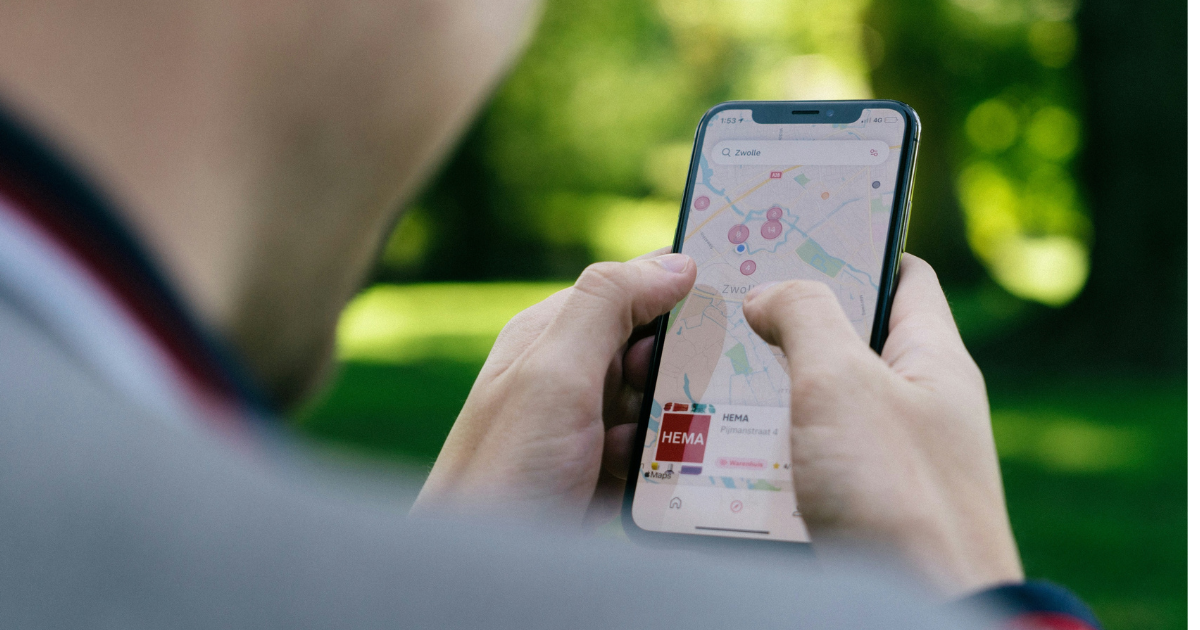
Alcohol delivery isn’t just popular, it’s growing at a rate of over 10% per year — and as more states loosen up alcohol delivery regulations, local liquor stores have everything to gain.
Bottle POS customers alone processed over $60M through DoorDash transactions since 2025. Online orders also tend to be larger than in-person, because most people happily order a few extras to make the delivery fees worth it. For one liquor store owner, getting his entire liquor inventory on a delivery app boosted his year-over-year profits by over 60%.
If you want to see those kinds of gains at your liquor store, you’re in the right place.
In this article, we’ll explain how to set up a liquor delivery app at your store, pricing strategies, and other key considerations.
Let’s dive in.
Before You Start: Is Liquor Delivery Legal in Your State?
Before going through the effort of setting up your stock catalog and integrating with a delivery app, make sure local delivery is allowed in your state.
TIPS has a resource that lists liquor delivery laws, so start by checking there and with other local businesses, too.
1. Start With the Right POS System
Your point of sale (POS) system can determine how easy (or hard) it is to get started with a third-party delivery option. Services like DoorDash and Uber Eats have minimum requirements for your store catalog to list your stock. Unfortunately, many generic retail POS systems don’t meet these requirements, meaning you can only list a fraction of your stock.
Look for POS systems that specialize in liquor retail and have industry-appropriate e-commerce integrations. This ensures your entire selection can be listed on a delivery app.
Stock requirements for third-party delivery apps
To be listed in a liquor delivery app, you must have at least 200 items, each including:
🏷️
Item name
🔢
UPC or Stockcode
🍾
Size
Flexible e-commerce integrations give you added benefits, including:
- Keeping your selection and product descriptions up to date
- Showing accurate stock levels
- Giving you the option to start your own web store or work with multiple third-party apps
The best part? Online sales aren’t the only advantage of a liquor-specific POS system. It also helps you save time on data entry, track category sales, and stay compliant.

2. Choose and Set Up a Third-Party Service
Once your digital inventory is set up on your POS, it’s time to choose a service. The most popular options are:
Of those, DoorDash and Uber Eats are typically the go-to for people specifically ordering alcohol. InstaCart does offer alcohol delivery, but most people strictly use it for groceries.
Once you choose a service, you need to contact them directly to get listed on their platform. In some systems (including Bottle POS), once you enable an integration with a delivery app, it automatically links you to the correct contact forms to get started. These services handle the specifics of onboarding.
3. Set Delivery and E-Commerce Pricing
Fees for liquor store delivery apps vary, but they generally take about 20% to 30% of the total transaction — and the apps themselves set their own minimum order thresholds.
So, in order to turn a profit on your deliveries, you need to set prices that account for the delivery fees. That does not mean raising the prices in store. Instead, use your POS system to set a separate price for e-commerce.
You can either set a fixed margin markup based on the delivery fee or you can vary it by product category. We recommend starting at a fixed markup and then seeing which products people buy online and adjusting from there.
Worried about alienating customers on liquor delivery apps? Don’t be! Most customers are used to restaurants and grocery stores increasing prices for delivery — and it’s important for your business to protect your margins.
There’s no point adding a delivery option if it’s going to lose you money.
DoorDash and Uber Eats Liquor Delivery Fees Explained
Want more specifics on liquor store delivery app fees? Here’s a quick breakdown.
DoorDash: DoorDash takes about 15% to 30% per transaction, plus a pickup fee of 6%. DoorDash sets its own minimum order values based on your business and location.
Uber Eats: Uber Eats has three delivery tiers ranging from 20% to 30%, plus a 7% pickup fee. Uber Eats sets its own minimum order thresholds.
4. Specify What Is (and Isn’t) Available
If your selection is too limited, customers may not feel the price of delivery is worth it. On the other hand, you don’t want to list every single rare or high-end bottle for delivery, either.
On your POS system’s inventory management software, you can set which items are or aren’t available for sale on delivery apps. This way, you can remove high-value items that are best sold to loyal customers or snacks or other low-margin items that aren’t in high demand.
Get Started On Liquor Store Delivery Apps With Bottle POS
Putting your liquor store selection on a delivery app is a great way to drive revenue and tempt customers into making larger bulk orders for the weekend or special occasions.
A liquor-specific POS system ensures that your stock meets the requirements for delivery apps so you can get the most out of them. Bottle POS comes with Uber Eats and DoorDash integrations out of the box, along with a pre-built product catalog, and liquor-specific inventory management software to keep your entire selection organized.
Talk to one of our experts today to learn more about getting started with online liquor delivery apps.

With 20 years in retail — 10 in the liquor industry — Kevin Patel has seen it all. A liquor store owner himself, Kevin wants to give other small business owners the technology to compete with big box stores. Kevin writes extensively about profits, marketing, and inventory management — three topics he believes every liquor store owner should learn about. "I built Bottle POS to make enterprise tools, mobile inventory, and cloud technology affordable so independent stores can compete with big chains."