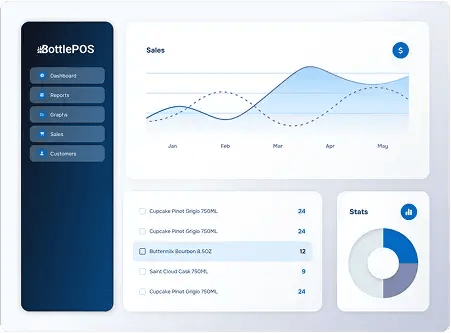
Stock your shelves with the perfect selection of bottles. Bottle POS software’s built-in liquor store inventory management tools help you prevent stockouts, minimize shrinkage, and protect your margins.
Most generic POS systems handle basic item tracking but require paid add-ons or workarounds to case break or monitor category sales. Bottle POS comes with every liquor inventory management feature you need out of the box.

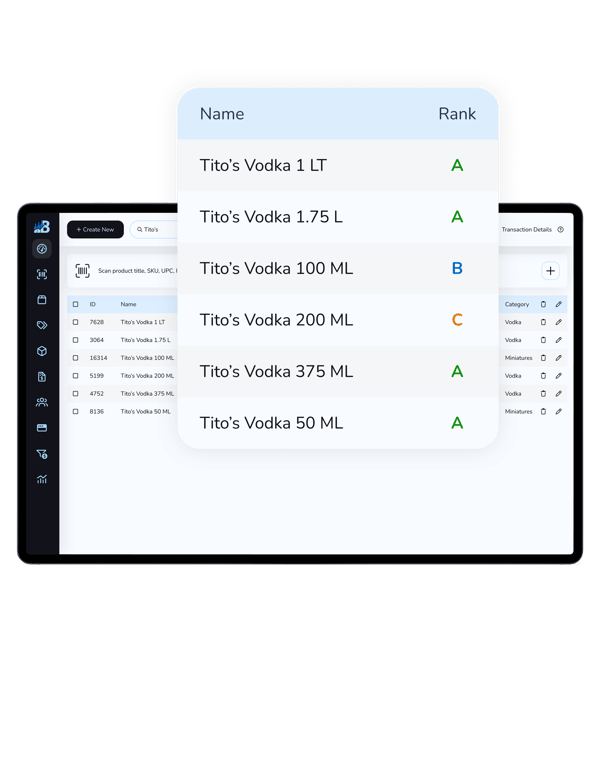
Stay organized by keeping related SKUs together in a single entry: cases, individual bottles, handles, fifths, and more.

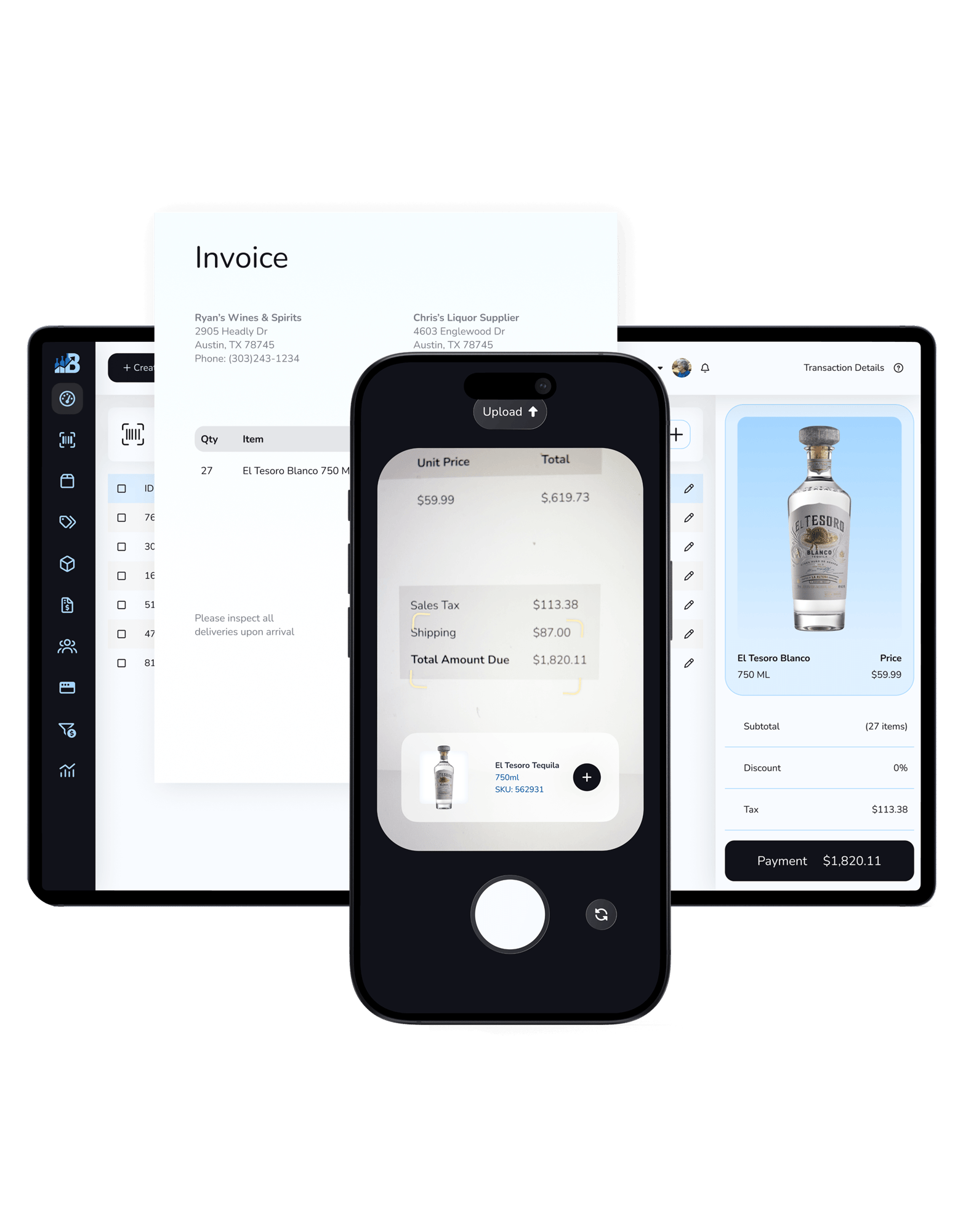
Use your smartphone to scan paper invoices using optical character recognition (OCR) technology and update your inventory records in seconds — saving hours in manual data entry.

Generate purchase orders based on historical sales volume to avoid overordering, ensuring you keep popular bottles stocked while saving money.

Track wholesale costs and generate purchase orders directly from your system — or integrate with Fintech vendors to receive against an invoice.

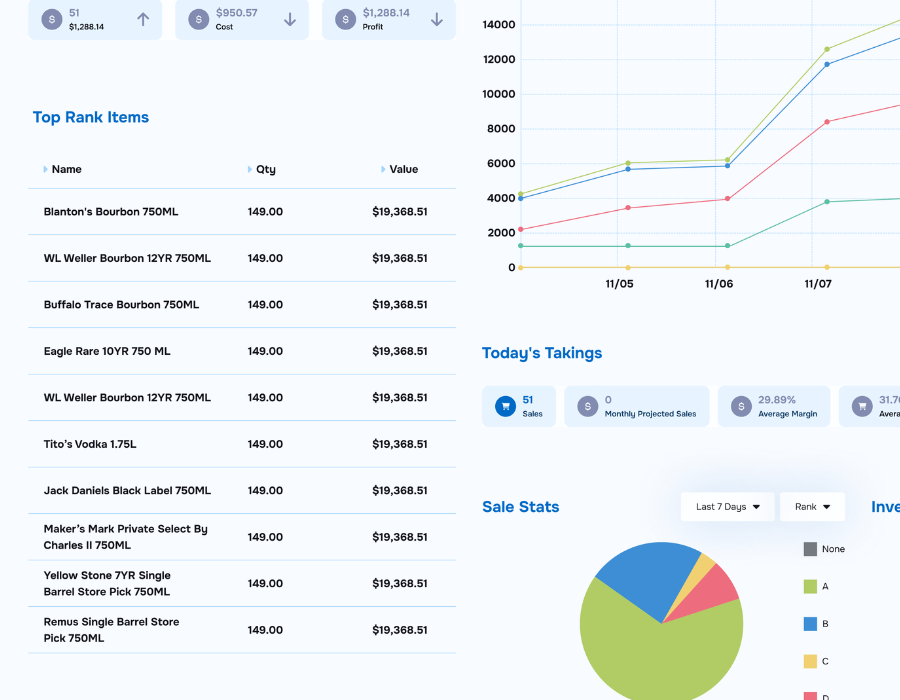
Get an AI-assigned letter grade (A through D) for each of your products, helping you identify which ones drive sales and which ones cost you money.

Sync your inventory automatically with your web store or connect with popular delivery options like DoorDash and Uber Eats.

Add new products to your selection effortlessly with a prebuilt database of over 20,000 beer, wine, and liquor SKUs.

Get ahead of losses from theft or breakage before they turn into bigger problems — and identify dead stock that’s ready to be discounted or phased out at a glance.
Literally with a click of a button, you can update all the inventory to the correct status, and you can change all your pricing.
Some liquor stores spend hours or even days manually updating stock and checking invoices. Bottle POS has a suite of mobile receiving tools that help you spend more time on your customers and less time on inventory reconciliation.

Access your back office, change prices, print labels, run reports, and count inventory from any internet-connected device — no special hardware required.
Connect directly with your Fintech liquor vendors to update large invoices automatically within 24 hours of receiving an invoice.
Use our auto PO feature to instantly scan invoices, add new products by scanning UPCs, and update inventory with accurate pricing and product info with our prebuilt catalog.
Dreading having to transfer products and inventory data into your new POS system? We take care of it for you.
Our team of liquor store onboarding experts will move each of your product listings from your old system into Bottle POS. We’ll even clean up your records, giving you a fresh start.
Bottle POS provides unlimited onboarding and training, plus 24/7 support, so you can make the most of your new liquor store inventory management tools.
.png?width=1101&height=1494&name=Iliq-inventory%20(1).png)
Before I heard about Bottle POS, I considered outsourcing invoicing and inventory tracking, because putting in invoices took 50% of my time. I did more of that than anything else. And then I heard about Bottle — that the invoicing would be automatic with Fintech. I was sold immediately.

Go beyond overall sales to get a detailed understanding of your customers’ preferences, dead stock, and category-based insights.

Automatically assign every bottle in your store a ranking from A to D based on sales volume, so you know exactly which bottles drive sales and which turn into dead stock.
See how Japanese whiskeys are selling compared to Scotch, take a deep dive into white wine sales, or explore which of your ready-to-drink (RTD) cocktail brands are popular with customers using category reports.
Get an overview of which bottles are running low, see how they rank in sales volume, and generate purchase orders.
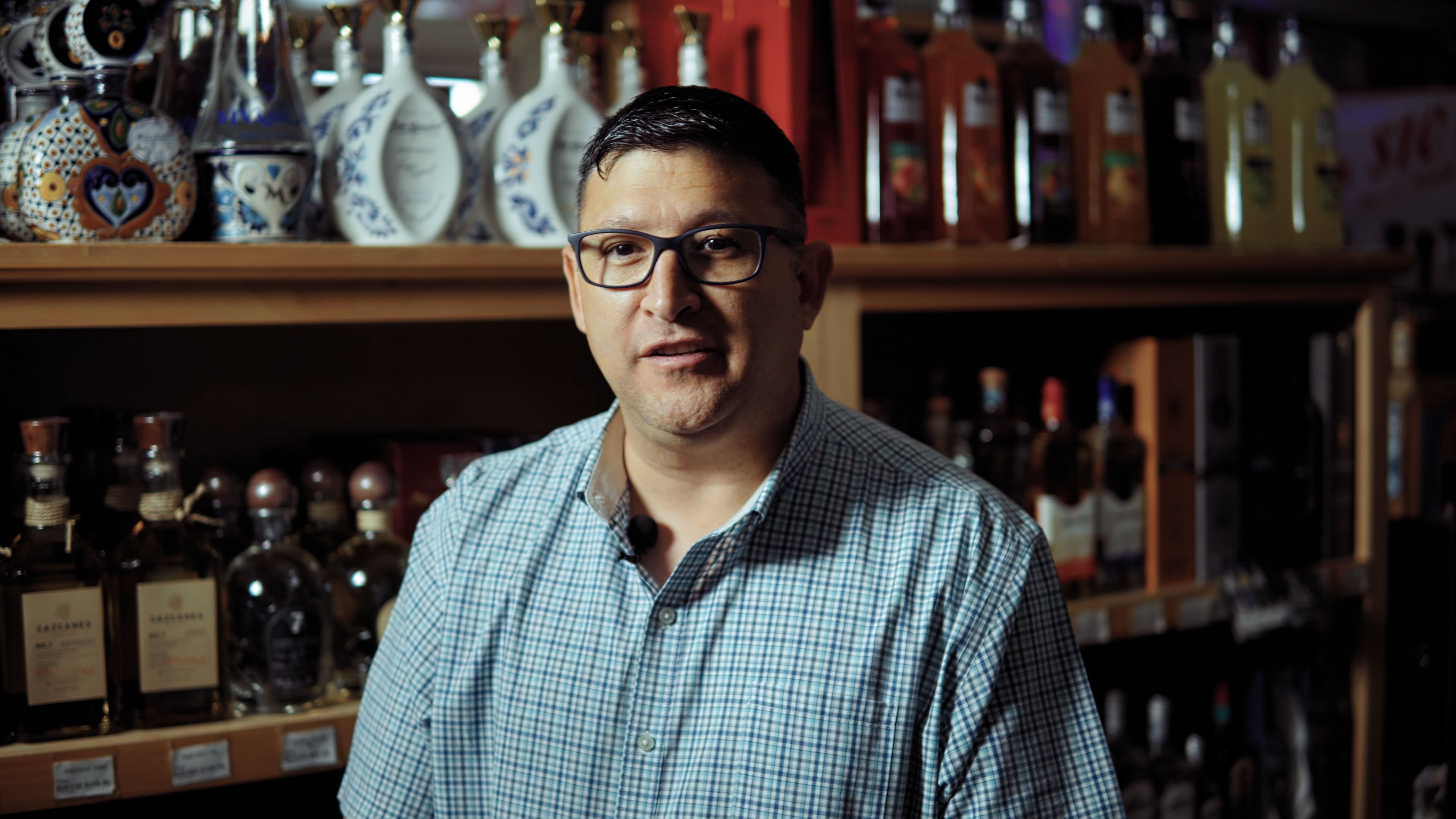
One of the big things I was looking for in a POS system, beyond transitioning from a regular old-fashioned cash register, was inventory control. I needed a system that could keep track, not just of the inventory, but label items and track what was being sold.
See why independent liquor stores across the country trust Bottle POS to help them save time on invoicing, understand their stock, and keep more cash on hand.