





Reliable Age Verification
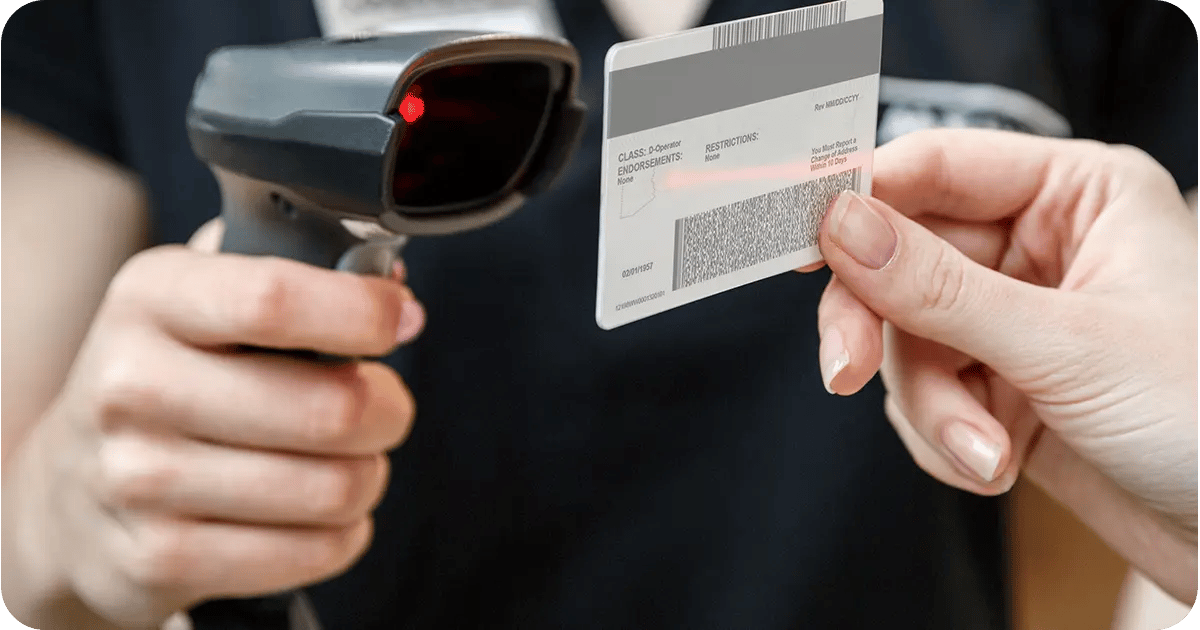
If you’re still relying on manual age verification, you’re flirting with disaster every day. Manual age verification puts your entire operation at risk because it relies on human judgment under pressure. During rush periods, even experienced staff can make a mistake, especially with how sophisticated some fake IDs can be.
The solution is finding a point of sale system with built-in ID scanning and age verification.
What Quality ID Scanning Does for You
Automatic license reading: ID scanners read magnetic stripes or barcodes instantly, pulling information directly from the card and eliminating misread birth dates.
Expired ID detection: The system flags expired IDs immediately, preventing sales before they become compliance violations.
Compliance logging: Every scan gets recorded with timestamps and employee details, creating an audit trail for compliance reviews.
Multi-state recognition: Handle out-of-state customers without slowing down checkout or creating uncertainty for your staff.
Age verification violations start at $500 but quickly escalate to $5,000 or more. Beyond fines, you're protecting against license suspension. In short, this feature is a nonnegotiable for liquor stores looking to protect their bottom line and the future of their business.
Essential Questions for Your Vendor Evaluation
- "Can you show me the ID scanner working with a real license from my state?"
- "What happens if the scanner can't read an ID — does it default to allowing the sale?"
- "Do you store verification records for compliance audits, and for how long?"
- "How does the system handle out-of-state IDs or military identification?"
When your team knows the system will catch problems, they can focus on keeping your customers happy and processing transactions as efficiently as possible.
Smart Inventory Management
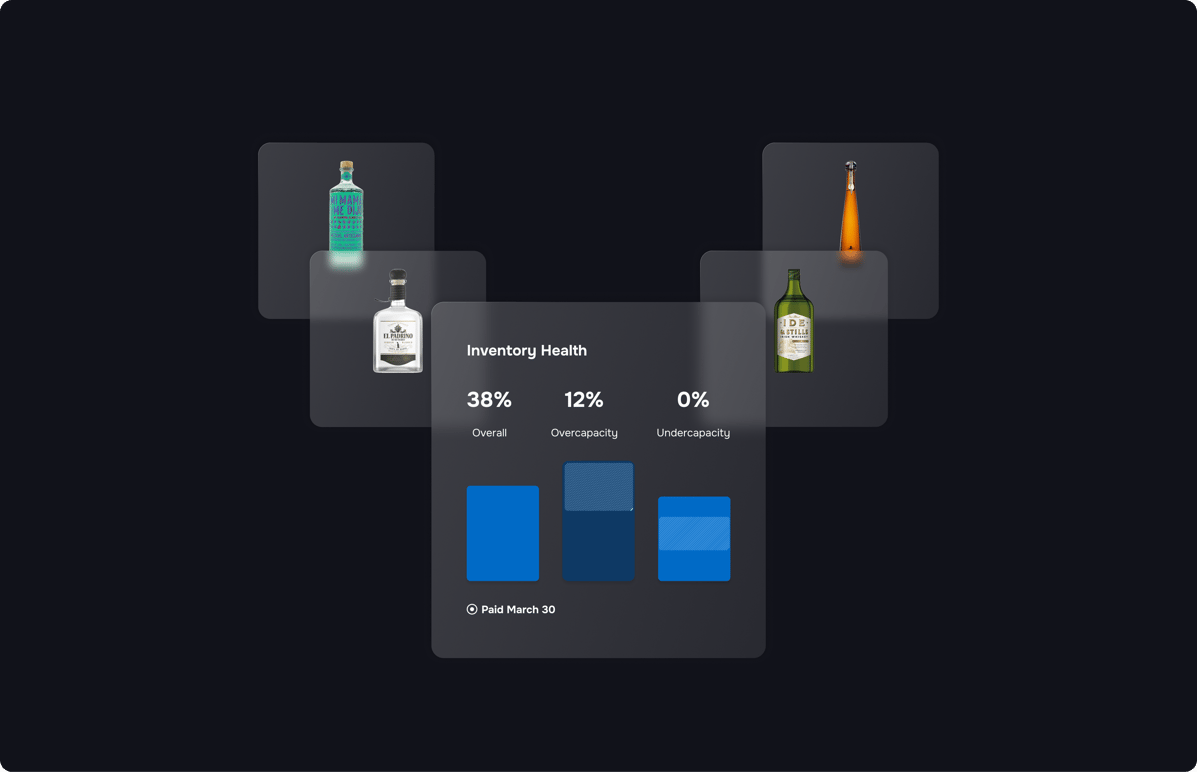
If you’re managing inventory by hand, using an old-school spreadsheet, or cobbling together inventory features from a generic point of sale system, you’re losing time and missing opportunities.
You might not have visibility into upcoming or seasonal trends, or you might be over- or understocking different categories, costing you revenue.
What you need is a POS system with advanced liquor inventory management features and tools.
Key Liquor Inventory Management Features
Automatic case breaking: When you receive a case of wine, the system automatically converts it to 12 individual bottles in your inventory. Sell one bottle, and it tracks that perfectly without you touching a calculator.
Reorder alerts: Set different reorder points for your holiday champagne versus your everyday beer. The system learns your patterns and adjusts recommendations based on seasonal demand.
Distributor integration: Connect directly to your suppliers' catalogs so new products, price changes, and availability updates flow into your system automatically. No more manual data entry or outdated information.
Mixed unit handling: Whether you're tracking kegs, cases, six-packs, or individual bottles, the system handles the conversions seamlessly. Your reports show everything in the units that make sense for your business decisions.
When you implement a point of sale system with advanced inventory management features like these, you can reclaim six or more hours every week. Just think about the other things you could put that time and energy into when your inventory essentially manages itself.
Essential Questions for Your Vendor Evaluation
- "How does case breaking work for wine vs. beer vs. spirits?"
- "Can I set different reorder points for seasonal items like holiday wines?"
- "Do you integrate with my main distributors for automatic catalog updates?"
- "How does the system handle mixed units like kegs, cases, and singles?"
- "What happens when I need to do cycle counts or spot checks?"
The best inventory systems work so seamlessly that you almost forget they're there. They handle the tedious counting and calculating in the background while giving you the insights you need to make smart buying decisions.
Loss Prevention Tools
You want to trust your employees… but sometimes the numbers don’t add up. Missing inventory, cash drawer shortages, and more.
Internal theft is, unfortunately, common in retail, and liquor stores face particular security risks due to high-value inventory and cash transactions. The average liquor store loses 1.3% of sales to internal theft, which is over $15,000 annually for a store doing $1.2 million in sales.
To solve this problem in your store, you need a liquor POS system with smart employee monitoring features.
Loss Prevention Features
Transaction-level tracking: Every discount, void, and price override gets logged with the employee's name and timestamp. This creates accountability while giving you clear data when investigating discrepancies.
Security camera integration: Link your cameras to specific transactions, so when something looks suspicious in your reports, you can instantly review the corresponding video footage.
Real-time cash monitoring: Get alerts when cash drawer shortages exceed normal ranges, helping you address problems quickly before they become bigger issues.
Pattern recognition: The system identifies unusual employee behavior like excessive voids after hours, frequent high-value discounts, or other red flags that might indicate problems.
Installing a POS tool with great employee monitoring can help you mitigate internal losses and address problems before they become headaches. The right system helps protect your relationship with your employees without setting you up to get taken advantage of.
Essential Questions for Your Vendor Evaluation
- "Can you show me the employee activity reports and what they track?"
- "How do you link camera footage to specific transactions?"
- "What alerts do you send for suspicious activity patterns?"
- "Can I restrict which employees can process voids, discounts, or returns?"
- "How does the system handle cash drawer reconciliation?"
- "Is this monitoring visible to employees, or does it work in the background?"
When employees know that transactions are tracked and reviewed, they are less likely to steal, as the system watches everyone equally, without singling out any one individual.
Multiple Location Management
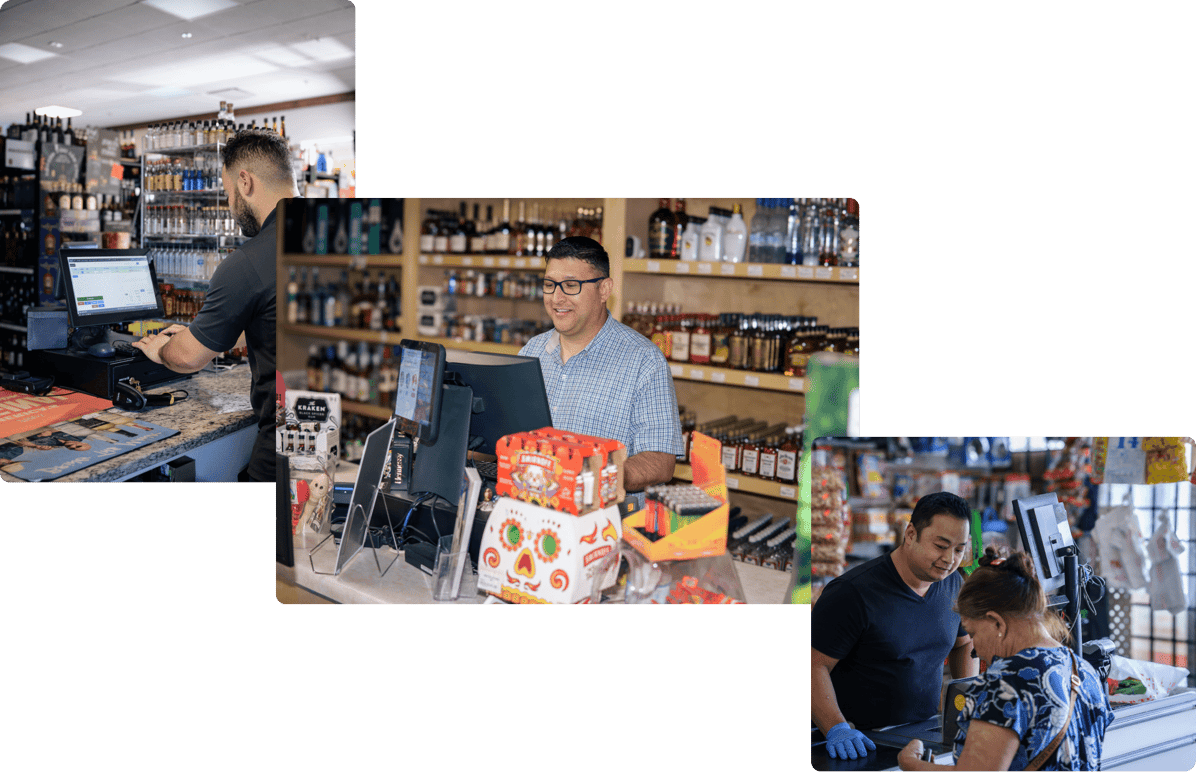
If you have plans to grow your liquor store into a multi-store chain (or if you’ve already opened another location), the last thing you want is to spend half your time driving between stores to make sure everything is running smoothly.
By the time you visit each location, address their questions, and drive back to the first store, your entire day is gone, and you still don't have a clear picture of how your business is really performing.
The right POS system and back office treats your multiple locations as one connected business, giving you real-time insight and control over all your stores from a single dashboard.
How Multi-Location Management Works
Real-time sales monitoring: Check each store's sales, transaction counts, and performance metrics instantly from your phone. Know which locations are hitting their targets and which need attention before problems become crises.
Digital inventory transfers: Move products between locations with a few clicks instead of loading trucks. When your downtown store runs out of a popular wine that's overstocked at your suburban location, transfer it digitally and let your staff handle the physical move.
Consistent pricing control: Update prices across all locations simultaneously, ensuring customers get the same experience regardless of which store they visit. No more spreadsheets or phone calls to coordinate pricing changes.
Comparative performance reports: See which locations perform best with specific products, identify training opportunities, and understand how different demographics affect your sales without creating manual reports.
With the right tool, you can stop ping-ponging between locations all day. More importantly, you can respond to problems immediately instead of discovering them hours later during your next store visit.
Essential Questions for Your Vendor Evaluation
- "Can I see live sales data from my phone right now for each location?"
- "How do inventory transfers work between locations?"
- "Do you charge extra per location or additional licensing fees?"
- "Can I set different pricing by location or keep everything consistent?"
- "How do I handle employees who work at multiple stores?"
The best multi-location systems scale with your success, making it as easy to manage five stores as it was to run one.
Simple Staff Training

High employee turnover is a reality in the retail industry. Chances are, you’re hiring new staff at least every few months. And if you need to spend hours training each new team member on your point of sale system, that becomes a major investment that pulls you away from other priorities.
Instead, you need a point of sale system with intuitive features and great training resources.
User-Friendly Features
Intuitive interface: The system works the way people naturally think, with clear buttons, logical workflows, and visual cues that make sense without extensive explanation. New cashiers can ring up their first sale within minutes.
Role-based access control: Give new employees exactly the access they need without overwhelming them with functions they shouldn't use. Cashiers see a simple sales interface while managers access reporting and administrative features.
Built-in practice mode: Let new hires practice transactions without affecting your real sales data. They can scan products, process payments, and handle returns until they feel confident, all in a safe training environment.
Integrated time management: Handle scheduling and time tracking through the same system employees use for sales, eliminating confusion about clocking in, breaks, and shift changes.
With a user-friendly tool, you can help your new team members be productive on their first shift. Plus, easier systems mean fewer mistakes during busy periods, even for your most seasoned staff.
Essential Questions for Your Vendor Evaluation
- "Can you show me how a new employee would ring up their first sale?"
- "How do you control what different employees can access and modify?"
- "Is there a practice mode where new hires can train without affecting real data?"
- "How complicated is the login process for different shifts?"
- "What happens if an employee tries to access something beyond their permissions?"
The best liquor POS systems make it easy to get new employees up to speed with minimal point of sale training. When tech supports your team instead of confusing them, everyone wins.
Marketing and Promotion Tools
You want to run a "buy two wines, get the third 50% off" promotion to move some slower inventory, but your current system makes it a nightmare.
Your staff has to calculate discounts manually, remember which customers qualify for VIP pricing, and somehow track whether the promotion is actually increasing sales or just cutting into your margins. By the end of the week, you're not sure if the promotion helped or hurt your business.
Complex promotions should drive sales and build customer loyalty, but when they're difficult to implement and track, they can feel like more trouble than they’re worth.
Instead, implement a liquor POS system with built-in promotions and marketing-related features.
Promotions Features To Look For
Mix and match Pricing: Set up sophisticated deals like "buy any two bottles of wine and get 50% off any beer." The system automatically recognizes qualifying items and applies discounts without your staff doing mental math.
VIP customer pricing: Give your best customers special pricing that applies automatically when they shop. No loyalty cards to remember or codes to enter; the system recognizes them and applies their discounts automatically.
Time-based promotions: Run automatic happy hour pricing or weekend specials that turn on and off without staff intervention. Your Friday evening wine discounts start exactly at 5 PM without anyone touching a button.
Accurate BOGO tracking: Buy one, get one deals apply correctly to the right products and track properly in your inventory, so you know exactly how many items moved because of the promotion.
With the right system, you can run promotions without creating headaches for yourself. Most importantly, you'll know which promotions drive profits versus just moving inventory at lower margins.
Essential Questions for Your Vendor Evaluation
- "Can you show me how to set up a 'buy 2 bottles, get a third 50% off' promotion?"
- "How do customer-specific discounts work — is it automatic or manual?"
- "Do promotions apply automatically at checkout or require staff to enter codes?"
- "How do time-based promotions like happy hour pricing work?"
Promotions are incredible for building customer loyalty and moving old inventory. Investing in a system with the features you need to make promotions easy to manage is the best way to get the most bang for your buck from your POS system.
Advanced Reporting
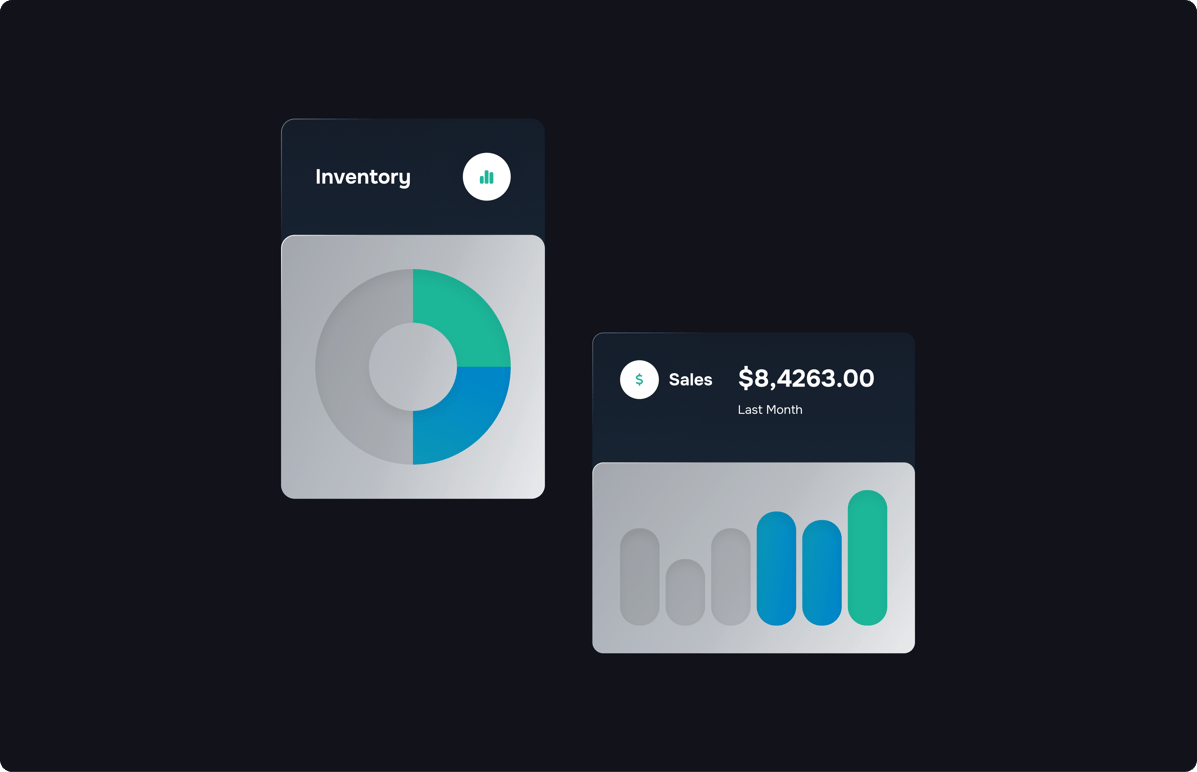
Most liquor store owners know their total sales numbers, but that's only part of the story. Understanding which products, customers, and seasons are driving most of your profits is critical if you want to grow your store. But getting at that data is often easier said than done.
You need a point of sale solution with smart, easy-to-use reporting systems.
Key Analytics and Reporting Features To Look For
Real-time profit margins: See exactly how much money each product makes you, not just how much it sells for. That $40 bottle might have better margins than the $60 one, even if the higher-priced item seems more impressive.
Automatic product ranking: The system grades every item from A to D based on sales velocity and profitability, color-coding your inventory so you can instantly see which products deserve prime shelf space and which are wasting storage.
VIP customer identification: Discover which customers drive the majority of your profits. Often, 20% of your customers account for 80% of your revenue — knowing who they are helps you take better care of them.
Distributor deal analysis: Track which supplier promotions actually increase your profits versus just moving inventory. Some deals look good on paper but hurt your margins when you factor in storage costs and opportunity.
Having regular access to these data points will help you identify your most profitable items, most loyal customers, busiest days, and more.
Essential Questions for Your Vendor Evaluation
- "Can you show me how the automatic product ranking system works?"
- "What reports help me identify my most valuable customers?"
- "Can the system track the success of distributor promotions?"
- "How does the system handle seasonal sales patterns?"
The best analytics systems help by giving you sales and customer data in a format you can actually use. Instead of wondering whether your buying decisions are right, you'll know which products to reorder, which customers to focus on, and which trends to follow.
Advanced Integrations

If your current POS system doesn’t communicate with your inventory, alcohol e-commerce, accounting, and other tools, you’re wasting time and money on manual data entry and information management. This creates more work, more opportunities for errors, and less time for the activities that actually grow your business.
Modern liquor POS systems are designed to work with the other tools you already use, eliminating duplicate work and keeping all your business systems in sync.
Integration Features To Consider
Supplier catalog integration: When distributors add new products or change prices, those updates appear in your POS system automatically. No more manually adding hundreds of new SKUs or missing out on new products because you didn't know they were available.
Unified customer experience: Customers earn loyalty points whether they shop in your store or order online. Their purchase history, preferences, and rewards status stay consistent across all channels.
E-commerce connection: Online orders sync with your inventory system, so when someone buys a bottle of wine from your website, it automatically reduces your in-store stock count.
Eliminate double data entry, manual accounting errors, and the struggles of managing an e-commerce shop and a brick-and-mortar business simultaneously by investing in a system that integrates all your tools.
Essential Questions for Your Vendor Evaluation
- "Which software do you integrate with — can you show me how it works?"
- "How do supplier catalog updates flow into the system automatically?"
- "What happens to inventory when someone places an online order?"
- "Do integrations cost extra or come included with the system?"
Integrated systems save you time and help give your customers a more consistent experience regardless of how they shop with you. That’s a win/win.
Reliable Technical Support

It’s a Saturday afternoon, and your POS system starts acting up. You call technical support… and end up talking to a robot because their staff is only in Monday through Friday, 8 AM to 5 PM.
Or, you can get a hold of someone, but you have to spend 20 minutes explaining the workaround you built to allow you to do case break inventory to someone who has never worked in a liquor store a day in their lives.
When your support team doesn't understand ABC regulations, age verification requirements, or industry-specific inventory needs, simple problems become lengthy troubleshooting sessions. Instead, you need a point of sale provider who understands liquor store operations and compliance requirements.
What To Look For With Customer Support
Liquor-specific training: Learn features designed specifically for your industry, from case breaking to compliance reporting, from people who understand why these capabilities matter.
Knowledgeable problem solving: Get help from support staff who know the difference between wine cases and beer cases, understand seasonal buying patterns, and can troubleshoot issues in the context of your actual business operations.
Dedicated account management: Work with the same person who learns your specific setup, preferences, and business needs instead of explaining your situation to a different call center agent every time.
Essential Questions for Your Vendor Evaluation
- "Who specifically handles my data migration and initial training?"
- "Do your support staff have experience with liquor store operations and compliance?"
- "What's your average response time for technical issues during business hours?"
- "Will I work with the same support person or different agents each time?"
Great support feels like having a partner rather than just a vendor. When problems pop up, you get solutions quickly from people who understand your business instead of starting from scratch.
Cloud-Based Technology
You invested in a POS system three years ago, and now it feels ancient.
The software hasn't been updated, it can't handle new payment methods your customers want to use, and the vendor keeps pushing you to buy their "next generation" system.
You're frustrated that your investment had such a short lifespan.
Technology moves fast, and when you invest in an on-premises solution, you run the risk of wrestling with a dinosaur within a few years.
Instead, you need a modern, cloud-based solution that updates automatically, scales more easily, and protects your data without constant hardware updates.
Advantages of Cloud-Based POS Technology
Automatic updates: New features, security improvements, and functionality additions happen in the background without reinstalling software or disrupting your operations.
Device flexibility: Access your business information from your phone while at home, use a tablet for inventory counts, or check sales from any computer with internet access.
Automatic data protection: Your sales history, customer information, and inventory data are automatically backed up.
Essential Questions for Your Vendor Evaluation
- "How often do you release software updates and add new features?"
- "What happens if my hardware fails — how quickly can I get back online?"
- "Can I access sales reports and inventory from my phone?"
- "Do you charge extra for updates or additional devices?"
The best cloud-based systems grow alongside your business, adding capabilities as you need them without forcing you to upgrade.