The Holiday Playbook
for Liquor Retailers

Close out the year strong, covering holiday marketing, SMS strategies, merchandising, DoorDash opportunities, and growth strategies.

Month-by-Month

Quick links for support and resources

We're here to support your best holiday season yet!

Bottle POS Integration with DoorDash

On-demand video updates

Bottle POS support


1-877-381-4087

info@bottlepos.com

October

Start holiday planning early, tease upcoming offers, build email/SMS lists, and lean into fall occasions (football, Halloween) while laying groundwork for Q4. 

The customers who opt in this month, on any channel, are the ones who get the early-access push in November. October isn't about October sales. It's about building the audience that Black Friday and the holiday season depend on.

Bottle POS's retailer survey found that of stores planning to expand product selection in 2026, RTD cocktails were the top pick at 54%, ahead of tequila (53%) and whiskey (44%). October is typically when shelf and promo planning for the quarter locks in, so this is the moment to get started.

Recommendations

Post a behind-the-scenes look at holiday stock arriving; it's an easy, low-effort way to start warming up your social audience before the season gets busy

Confirm ID-check protocol is airtight going into the season's first high-traffic weekend

Start staffing conversations now for November doorbuster coverage

October Social Media & Theme Generator


Each month has its own generator below, broken out by week so you're always working from the right theme. Here's how to get a post ready in under a minute:

  • Pick your week. Select the week that matches where you are in the season. Each one's tied to that stretch's theme, from Oktoberfest kickoff in early October to the NYE countdown at the end of December.
  • Add your store name. This fills in automatically wherever the copy references your store.
  • Name your featured product. Be specific: a brand name, a style, or a bundle all work. The more specific you are, the more natural the caption reads.
  • Generate the post. You'll get a ready-to-use social caption and a set of suggested hashtags.
  • Not quite right? Try another version. Each week has a few different angles. One more click gives you a fresh take without starting over.
  • Copy and paste. Use the copy buttons to grab the caption or hashtags, then drop them into your post to accompany images or videos.
Bottle POS — October Post Generator
The Holiday Playbook for Liquor Retailers — October

Seasonal Post Generator

Name the specific bottle, can, or category you want this post built around. a brand name ("Buffalo Trace"), a style ("a spiced fall ale"), or a bundle ("our tailgate six-pack"). It drops straight into the caption, so keep it short.
Reminder: keep copy pairing- or hosting-led rather than discount-led, avoid any language implying health or social benefits, don't depict excessive drinking, and make sure the store's own account is age-gated to 21+ before posting or boosting.
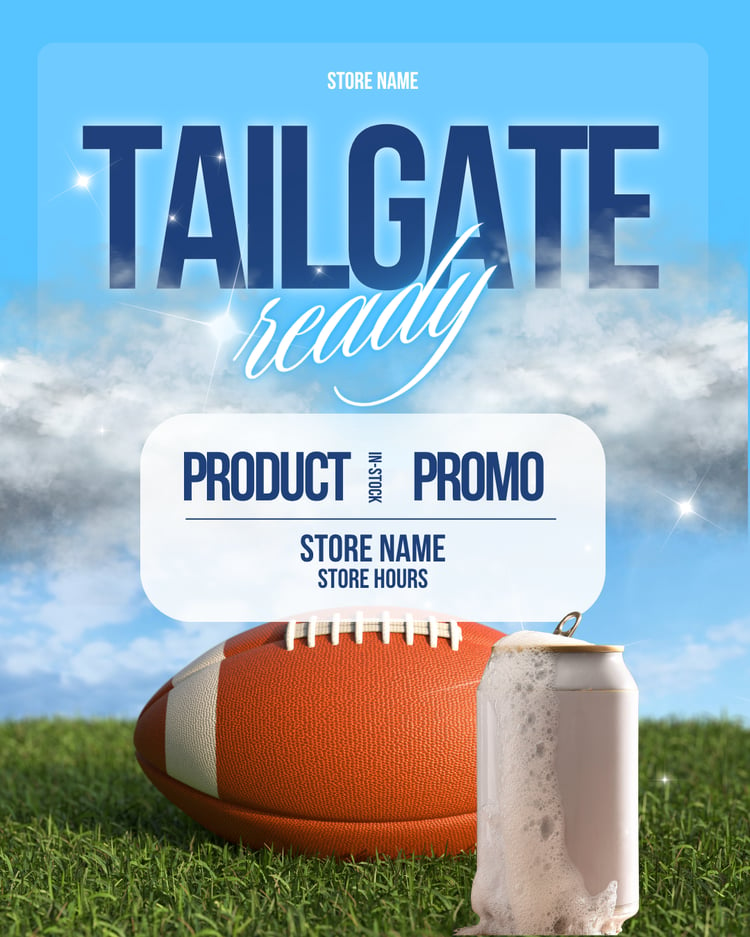
October - Bottle POS Customer Templates
Use these Canva templates →

October SMS & Email Templates


How to use it: pick a month, then choose either a single week or all four at once. From there, enter your store name (required) and, if you'd like, a promo offer, a promo code, something you're excited about, or your store hours. 

A few tips:

  • Choosing "all four weeks" applies whatever promo you enter to every message in that month. If you want a different offer each week, come back and generate one week at a time instead.
  • The "what are you excited about" and "store hours" fields only show up in the email, not the text — texts stay short and punchy, emails have room to say more.
  • Character counts on the text message turn amber or red if a promo pushes you past a comfortable length — trim the offer wording if you see that, since anything over 160 characters may get split into two texts by carriers.
Holiday Season SMS Templates — Bottle POS
Oct · Nov · Dec

Holiday Season Texts
& Emails, Ready to Send

Pre-written weekly texts and emails for the busiest stretch of the year — no AI, no editing required. Choose a month to get started.

🍂
October
Fall & Halloween
🦃
November
Thanksgiving
❄️
December
Holidays & NYE

Choose a week

Pick one week, or get all four at once.

or
🗓️
All 4 weeks
Get the full month at once. Any promo you add applies to all four weeks.

A few details

Store name is used in every message. A promo is optional.

Set this up in Bottle POS first. Your clerk enters the code at checkout.

A line or two in your own words. Adds a short paragraph to the email.

Shows near the end of the email as a quick practical note.

📋
Alcohol advertising rules vary by state. Before sending, confirm your promo complies with your state's ABC regulations.
October · Week 1

Copy and schedule

Each week includes a text message and an email. Both are ready to copy as-is.

If you added a promo, double check it against your state's alcohol advertising rules.

November

Move from planning into full holiday-shopping mode: Thanksgiving/Friendsgiving hosting, Black Friday and Small Business Saturday, and gift bundles.

This is the month October's groundwork pays off. A Black Friday deal only works if it reaches someone in time, whether that's a text, a Facebook post, or a flyer taped to the front door.

Bottle POS's aggregated data across 1,478 stores showed November 2025 GPV down 3.3% year over year, with average basket size down 2.2%. Framed right, this makes the case for showing up everywhere this year, not less.

Recommendations

Post a "what to bring" Thanksgiving hosting guide as a short social carousel or story; it's shareable and gives people a reason to tag a friend

Cross-train staff on DoorDash order fulfillment before Black Friday weekend, not the week of

Have a plan for basket-building at checkout since basket size is the metric under the most pressure this year

November Social Media & Theme Generator


Each month has its own generator below, broken out by week so you're always working from the right theme. Here's how to get a post ready in under a minute:

  • Pick your week. Select the week that matches where you are in the season. Each one's tied to that stretch's theme, from Oktoberfest kickoff in early October to the NYE countdown at the end of December.
  • Add your store name. This fills in automatically wherever the copy references your store.
  • Name your featured product. Be specific: a brand name, a style, or a bundle all work. The more specific you are, the more natural the caption reads.
  • Generate the post. You'll get a ready-to-use social caption and a set of suggested hashtags.
  • Not quite right? Try another version. Each week has a few different angles. One more click gives you a fresh take without starting over.
  • Copy and paste. Use the copy buttons to grab the caption or hashtags, then drop them into your post to accompany images or videos.
Bottle POS — November Post Generator
The Holiday Playbook for Liquor Retailers — November

Seasonal Post Generator

Name the specific bottle, can, or category you want this post built around. a brand name ("Buffalo Trace"), a style ("a spiced fall ale"), or a bundle ("our tailgate six-pack"). It drops straight into the caption, so keep it short.
Reminder: keep copy pairing- or hosting-led rather than discount-led, avoid any language implying health or social benefits, don't depict excessive drinking, and make sure the store's own account is age-gated to 21+ before posting or boosting.
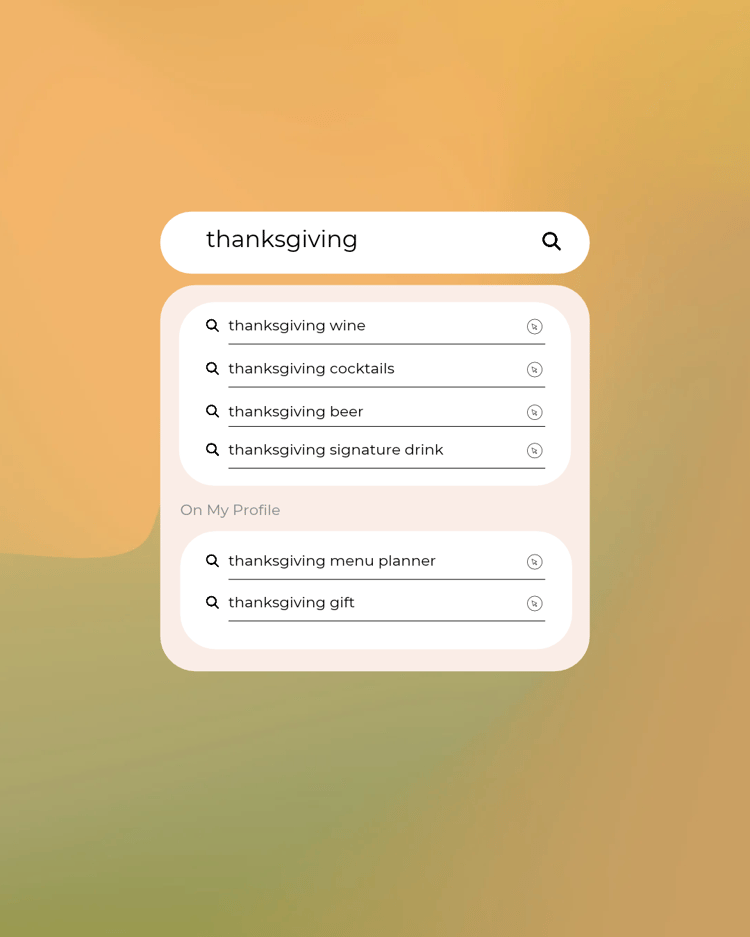
November - Bottle POS Customer Templates
Use these Canva templates →

November SMS & Email Templates


How to use it: pick a month, then choose either a single week or all four at once. From there, enter your store name (required) and, if you'd like, a promo offer, a promo code, something you're excited about, or your store hours. 

A few tips:

  • Choosing "all four weeks" applies whatever promo you enter to every message in that month. If you want a different offer each week, come back and generate one week at a time instead.
  • The "what are you excited about" and "store hours" fields only show up in the email, not the text — texts stay short and punchy, emails have room to say more.
  • Character counts on the text message turn amber or red if a promo pushes you past a comfortable length — trim the offer wording if you see that, since anything over 160 characters may get split into two texts by carriers.
Holiday Season SMS Templates — Bottle POS
Oct · Nov · Dec

Holiday Season Texts
& Emails, Ready to Send

Pre-written weekly texts and emails for the busiest stretch of the year — no AI, no editing required. Choose a month to get started.

🍂
October
Fall & Halloween
🦃
November
Thanksgiving
❄️
December
Holidays & NYE

Choose a week

Pick one week, or get all four at once.

or
🗓️
All 4 weeks
Get the full month at once. Any promo you add applies to all four weeks.

A few details

Store name is used in every message. A promo is optional.

Set this up in Bottle POS first. Your clerk enters the code at checkout.

A line or two in your own words. Adds a short paragraph to the email.

Shows near the end of the email as a quick practical note.

📋
Alcohol advertising rules vary by state. Before sending, confirm your promo complies with your state's ABC regulations.
October · Week 1

Copy and schedule

Each week includes a text message and an email. Both are ready to copy as-is.

If you added a promo, double check it against your state's alcohol advertising rules.

December

Focus on frictionless gifting and last-minute convenience: gift guides by price point, entertaining, delivery/DoorDash, and New Year's Eve.

Everything before this was building demand. December is where friction kills sales: gift decision paralysis, last-minute logistics, and not knowing where to look. The job this month is removing every reason someone doesn't buy.

December held up better than November in Bottle POS's data: GPV down less than 1% year over year, and transaction count actually up 0.5%. December is the strongest month of the quarter, which supports leaning hard into convenience and visibility across every channel here.

Recommendations

Confirm DoorDash inventory sync is accurate before the last-minute rush

Staff a gift-wrap or bundle station near checkout to protect basket size

Share a quick thank-you post or flyer insert wrapping up the year; loyalty messaging doesn't have to be SMS-only

December Social Media & Theme Generator


Each month has its own generator below, broken out by week so you're always working from the right theme. Here's how to get a post ready in under a minute:

  • Pick your week. Select the week that matches where you are in the season. Each one's tied to that stretch's theme, from Oktoberfest kickoff in early October to the NYE countdown at the end of December.
  • Add your store name. This fills in automatically wherever the copy references your store.
  • Name your featured product. Be specific: a brand name, a style, or a bundle all work. The more specific you are, the more natural the caption reads.
  • Generate the post. You'll get a ready-to-use social caption and a set of suggested hashtags.
  • Not quite right? Try another version. Each week has a few different angles. One more click gives you a fresh take without starting over.
  • Copy and paste. Use the copy buttons to grab the caption or hashtags, then drop them into your post to accompany images or videos.
Bottle POS — December Post Generator
The Holiday Playbook for Liquor Retailers — December

Seasonal Post Generator

Name the specific bottle, can, or category you want this post built around. a brand name ("Buffalo Trace"), a style ("a spiced fall ale"), or a bundle ("our tailgate six-pack"). It drops straight into the caption, so keep it short.
Reminder: keep copy pairing- or hosting-led rather than discount-led, avoid any language implying health or social benefits, don't depict excessive drinking, and make sure the store's own account is age-gated to 21+ before posting or boosting.
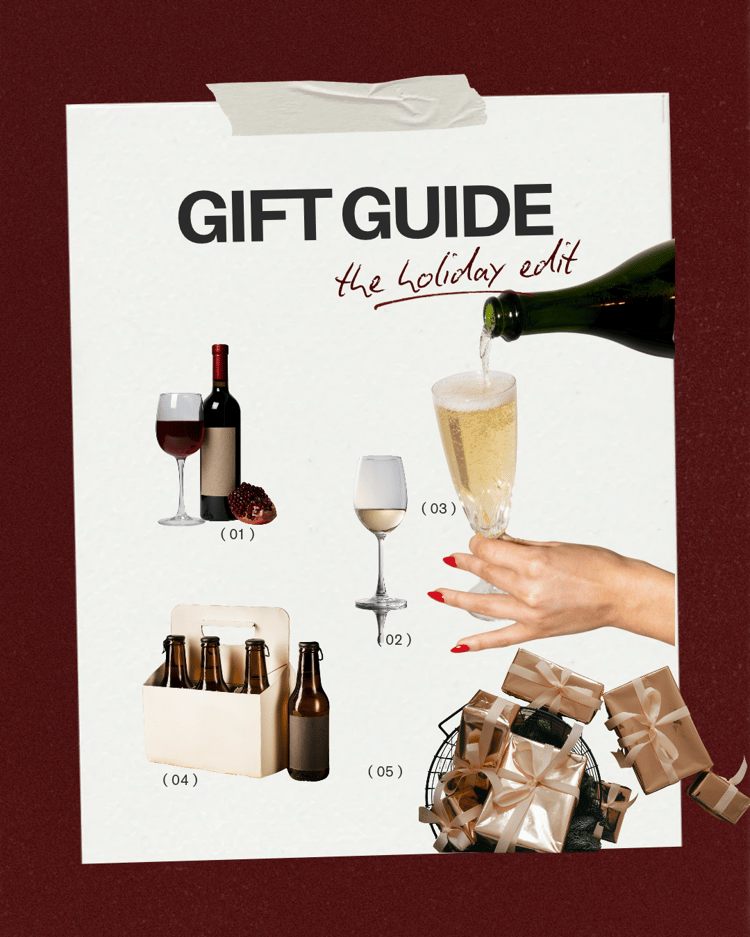
December - Bottle POS Customer Templates
Use these Canva templates →

December SMS & Email Templates


How to use it: pick a month, then choose either a single week or all four at once. From there, enter your store name (required) and, if you'd like, a promo offer, a promo code, something you're excited about, or your store hours. 

A few tips:

  • Choosing "all four weeks" applies whatever promo you enter to every message in that month. If you want a different offer each week, come back and generate one week at a time instead.
  • The "what are you excited about" and "store hours" fields only show up in the email, not the text — texts stay short and punchy, emails have room to say more.
  • Character counts on the text message turn amber or red if a promo pushes you past a comfortable length — trim the offer wording if you see that, since anything over 160 characters may get split into two texts by carriers.
Holiday Season SMS Templates — Bottle POS
Oct · Nov · Dec

Holiday Season Texts
& Emails, Ready to Send

Pre-written weekly texts and emails for the busiest stretch of the year — no AI, no editing required. Choose a month to get started.

🍂
October
Fall & Halloween
🦃
November
Thanksgiving
❄️
December
Holidays & NYE

Choose a week

Pick one week, or get all four at once.

or
🗓️
All 4 weeks
Get the full month at once. Any promo you add applies to all four weeks.

A few details

Store name is used in every message. A promo is optional.

Set this up in Bottle POS first. Your clerk enters the code at checkout.

A line or two in your own words. Adds a short paragraph to the email.

Shows near the end of the email as a quick practical note.

📋
Alcohol advertising rules vary by state. Before sending, confirm your promo complies with your state's ABC regulations.
October · Week 1

Copy and schedule

Each week includes a text message and an email. Both are ready to copy as-is.

If you added a promo, double check it against your state's alcohol advertising rules.